How to Swap
Swapping
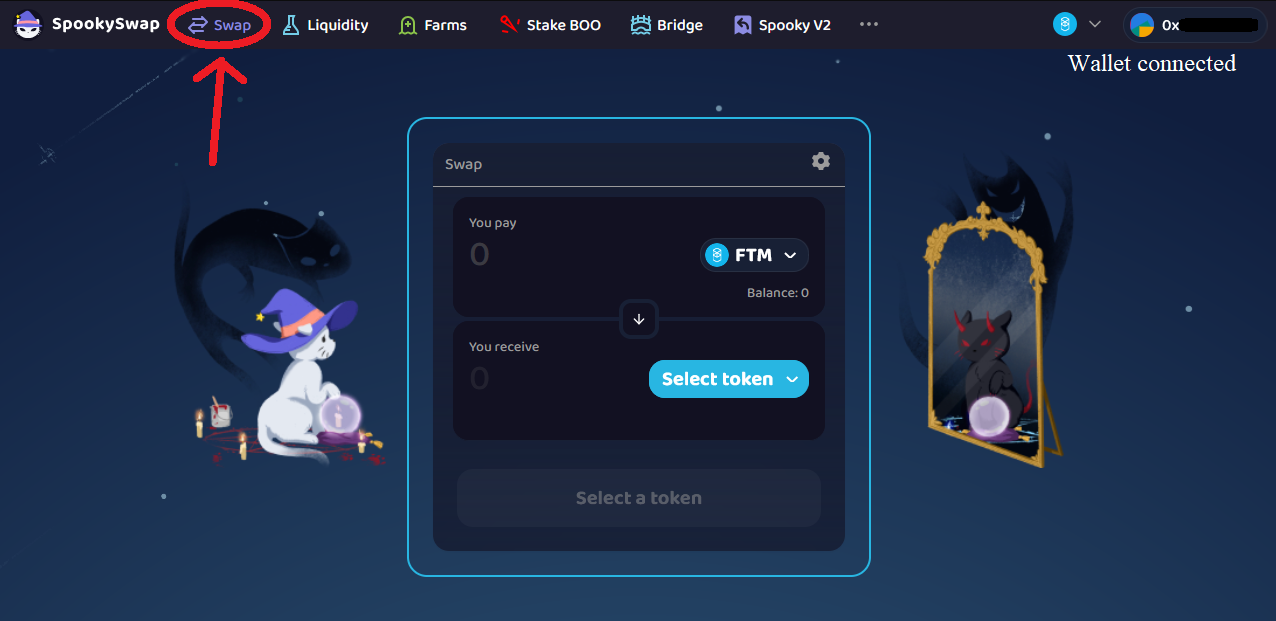
- Go to the Swap page on Yowie Finance (make sure your wallet is connected).
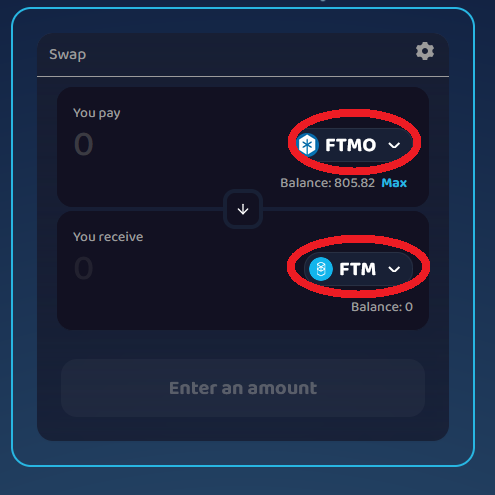
- Choose the token you want to trade (pay with) and the token you want to receive.
(If the token you’re looking for isn’t in the default list, paste its contract address in the search box to add it.)
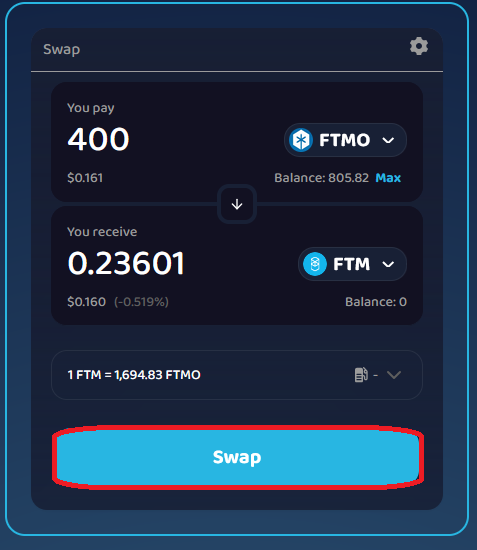
- Enter the amount to swap and click Swap.
Above the button you’ll see the price quote; click the gray arrow to view network fee, price impact, minimum output, expected output, and routing.
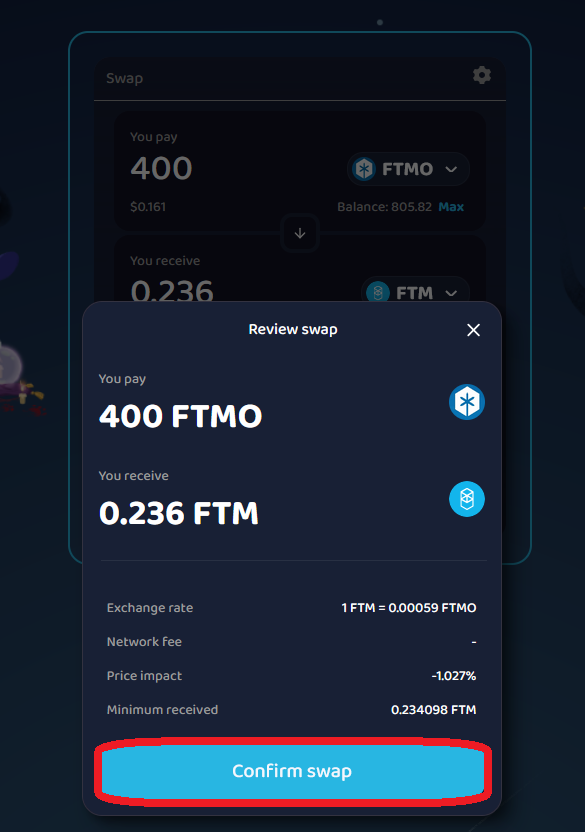
- Review the confirmation popup and click Confirm swap.
-
Confirm the transaction in your wallet.
-
After confirmation, you’ll see Transaction Submitted.
Track progress via the view on MonVision link or your wallet’s activity tab.